What Is B-Roll? A Guide With Real Examples
The footage that does most of the explaining in a good video, and the footage most shoots do not get enough of.
A-roll vs B-roll
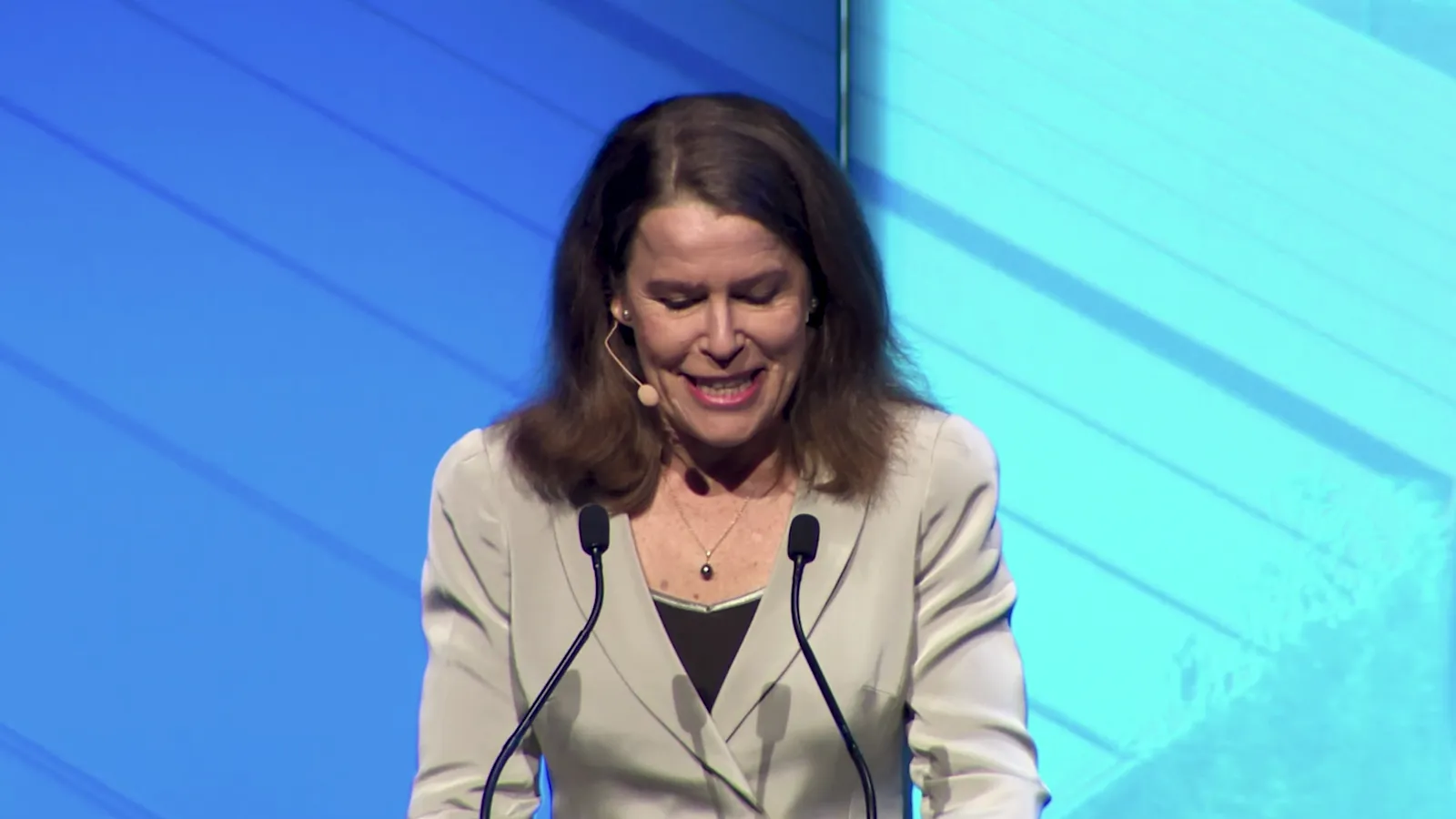
A-roll is the footage the story hangs on. In most business videos that is a person: a founder to camera, a customer in an interview, a presenter walking through a space. If you muted everything else, the A-roll would still tell you what the video is about.
B-roll is everything you cut to while that story plays. When a builder says the kitchen has a new benchtop and the picture cuts to the benchtop, that cut is B-roll. The voice keeps going; the picture changes to show what is being described.
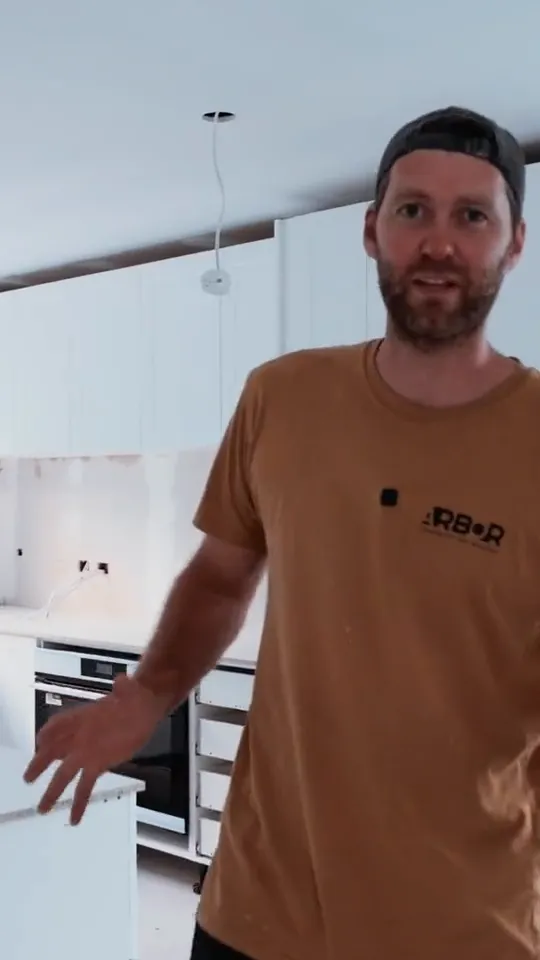
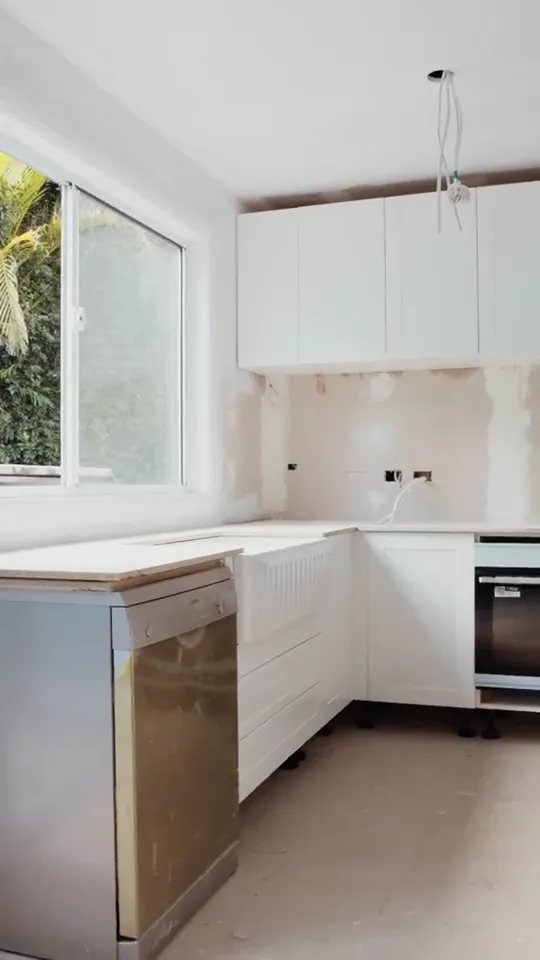
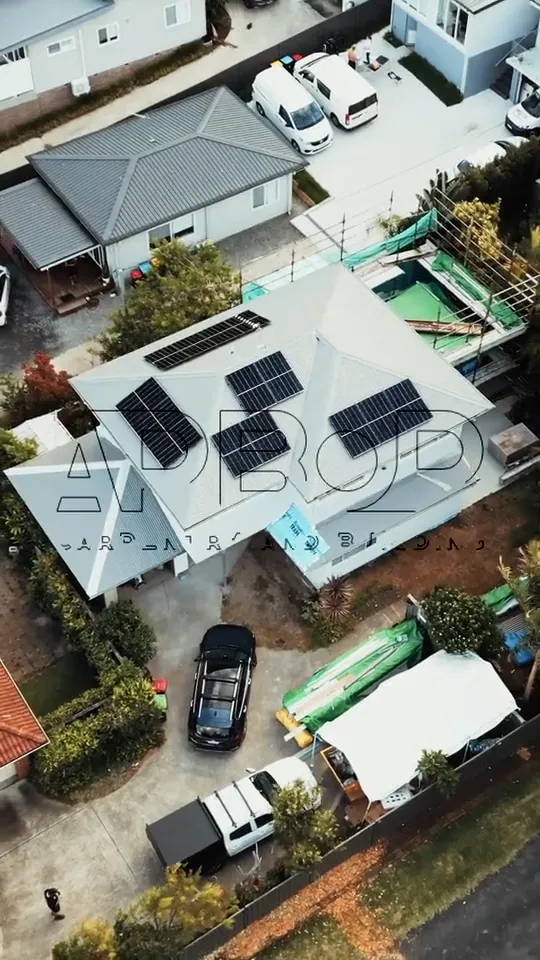
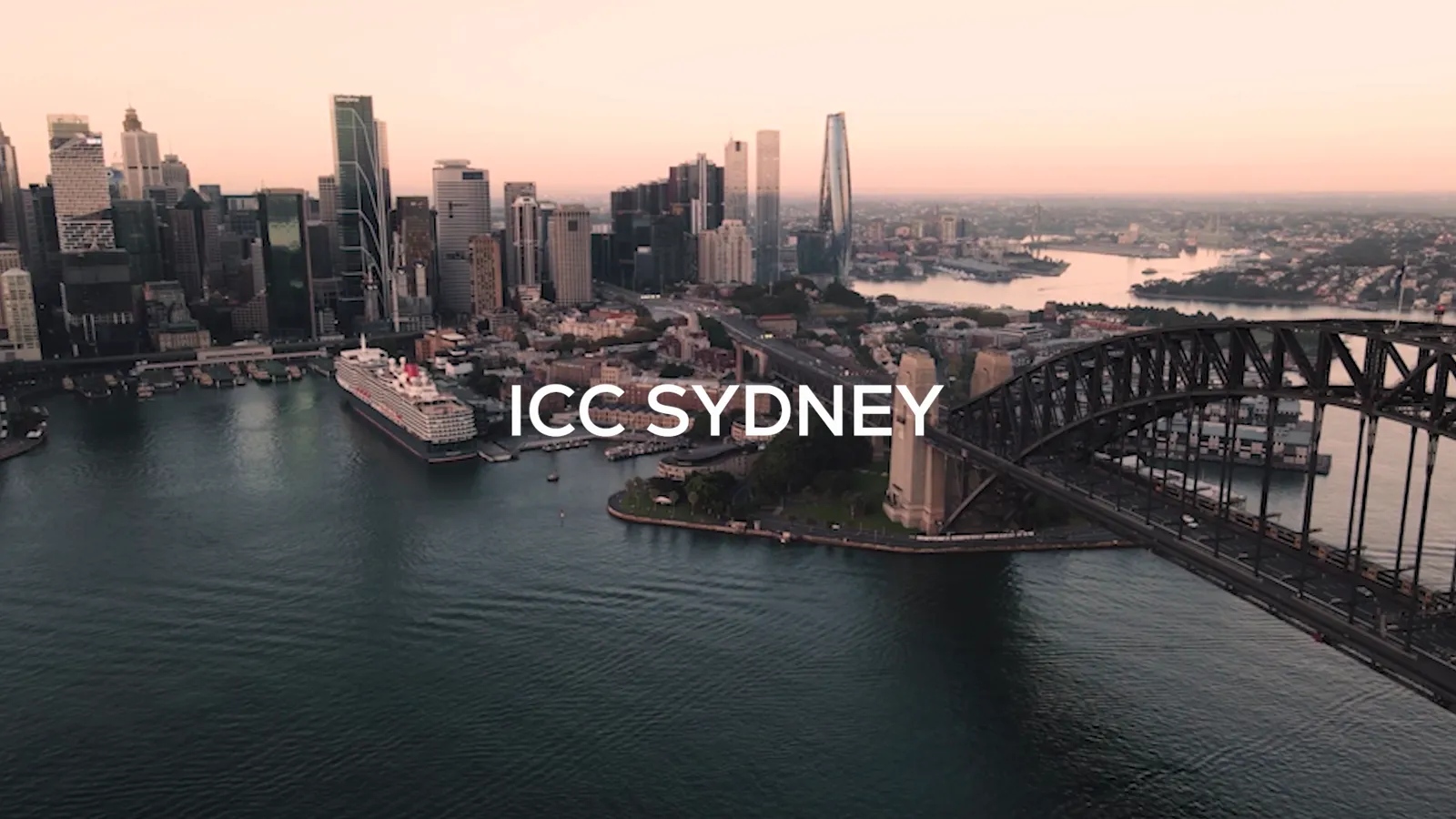
Some videos are almost all B-roll. A launch film with music, on-screen text and no one speaking, like the AICD summit film further down this page, is built entirely from it.
What B-roll actually does
- Hides the edit. Interviews get trimmed. Every time you remove a sentence there is a jump in the picture. Cutting to B-roll over the join hides it, so the answer sounds continuous.
- Shows instead of tells. Saying a venue is on the harbour is weaker than showing it. B-roll turns claims into evidence.
- Sets the place and the scale. A wide establishing shot tells the viewer where they are in one second.
- Controls the pace. Fast B-roll cuts lift the energy; long, slow shots let a point land.
- Gives the editor options. The more good B-roll there is, the more ways a story can be cut, and the easier it is to make short versions for social.
Common types of B-roll
These are the shots we plan for on almost every shoot.
- Establishing shots: wide shots of the location, often the first thing you see.
- Cutaways: shots of what the speaker is describing, cut in while they talk.
- Details and inserts: close-ups of hands, products, screens, textures and signage.
- Process and action: the work actually happening, from a tradie on the tools to a chef plating up.
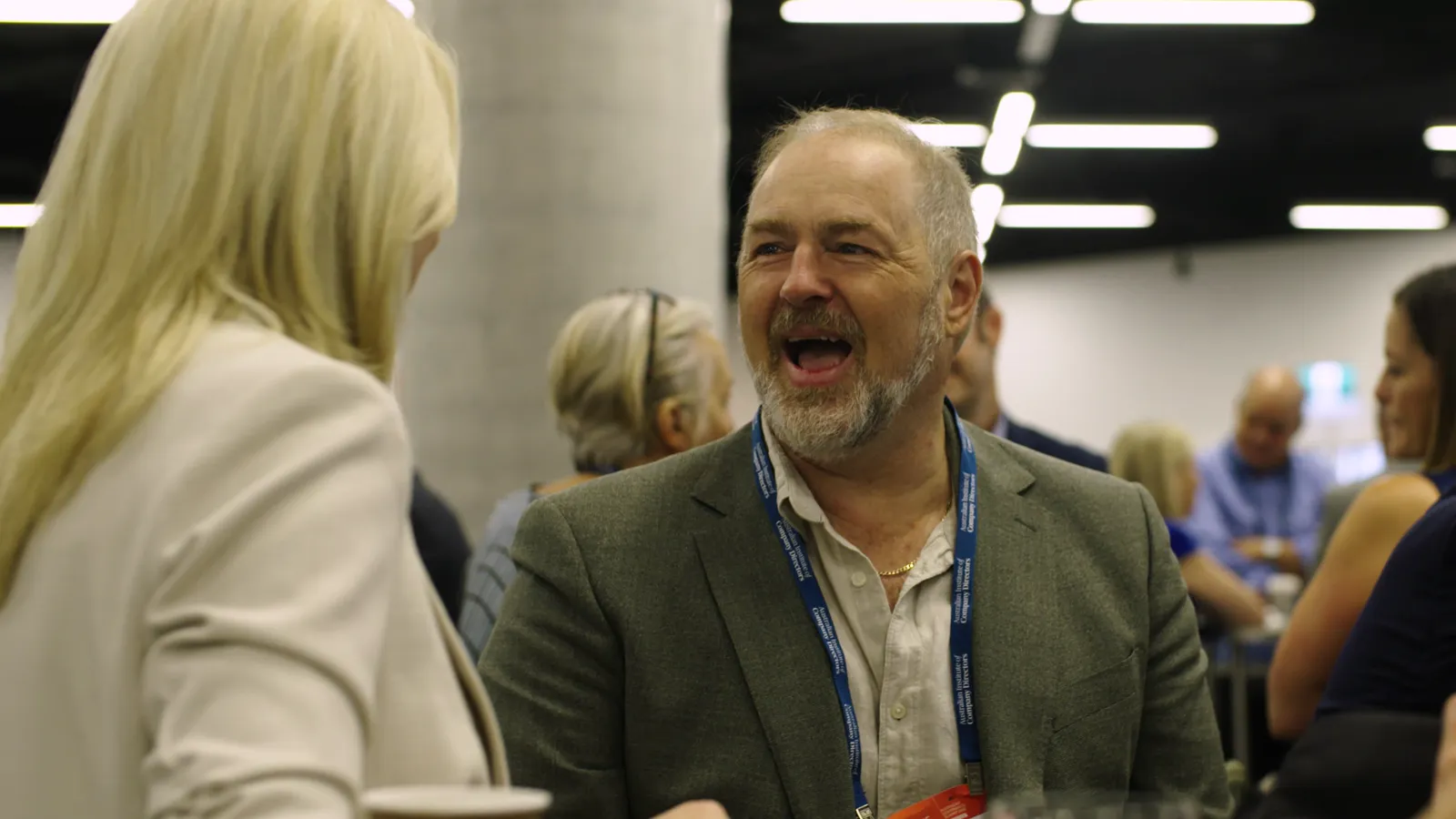
- People and atmosphere: reactions, conversations, crowds and candid moments at an event.
- Aerials: drone shots for scale, location and transitions.
- Archive and stock: existing footage or licensed clips when the real thing cannot be filmed.
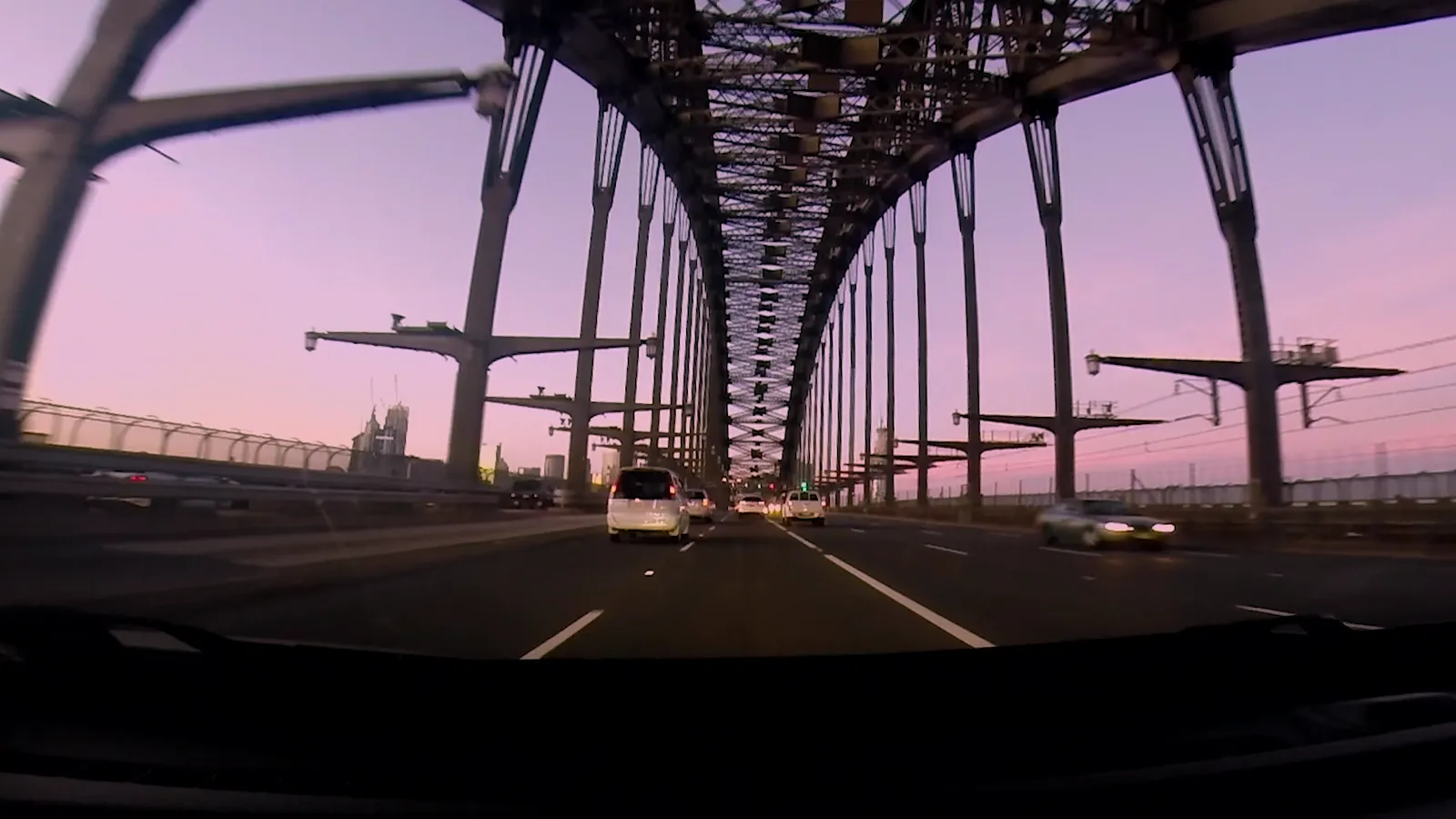
How much B-roll do you need?
More than you think. Running short of B-roll is the most common reason an edit feels stuck: the editor has a great answer and nothing to show over it.
A workable rule of thumb is to plan at least one B-roll shot for every point you expect the speaker to make, and to film each one wide, medium and close. That way every point can be illustrated, and the editor can choose the shot that fits the pace.
How to plan and shoot B-roll
- Start from the script or interview questions. List every noun the speaker is likely to mention. Each one is a B-roll shot.
- Shoot every subject three ways: a wide for context, a medium for action and a close-up for detail.
- Hold each shot for at least ten seconds. Short takes leave the editor nothing to trim.
- Mix movement and stillness. A slow push, a pan and a locked-off frame of the same thing give the edit options.
- Film the work, not just the result. Hands doing things are some of the most useful B-roll there is.
- Record the natural sound. A drill, a crowd or a coffee machine under the voice makes the footage feel real.
- Shoot before and after. If anything changes on the day, get the before. It cannot be filmed later.
Stock footage vs original B-roll
Stock footage is quick and cheap, and it is fine for generic ideas like a city skyline or a keyboard. It falls down when the video is about you. Viewers recognise stock, and it cannot show your people, your product or your premises.
Original B-roll is what makes a business video believable. If budget is tight, spend it on B-roll of the things only you have, and use stock for the rest.
Questions people ask
Why is it called B-roll?
The name comes from film editing, when footage was cut onto two reels, A and B, so editors could cut and dissolve between them. The main story sat on one reel and the supporting shots on the other. The reels are long gone but the names stuck.
What is the difference between B-roll and stock footage?
B-roll is any supporting footage. Stock footage is one source of it: pre-shot, licensed clips. Original B-roll is filmed for your video and shows your own people, product and places.
Does B-roll have sound?
It is usually recorded with natural sound, which is often mixed quietly under the main audio. The main voice track nearly always comes from the A-roll or a voiceover.
How long should a B-roll shot be?
Film at least ten seconds of each shot so the editor has room to trim. In the final edit most B-roll shots run between one and five seconds.
Do you need B-roll for social media videos?
Yes. Even a talking-head Reel holds attention better when it cuts to what is being described. B-roll also lets you make several short edits from one shoot.